
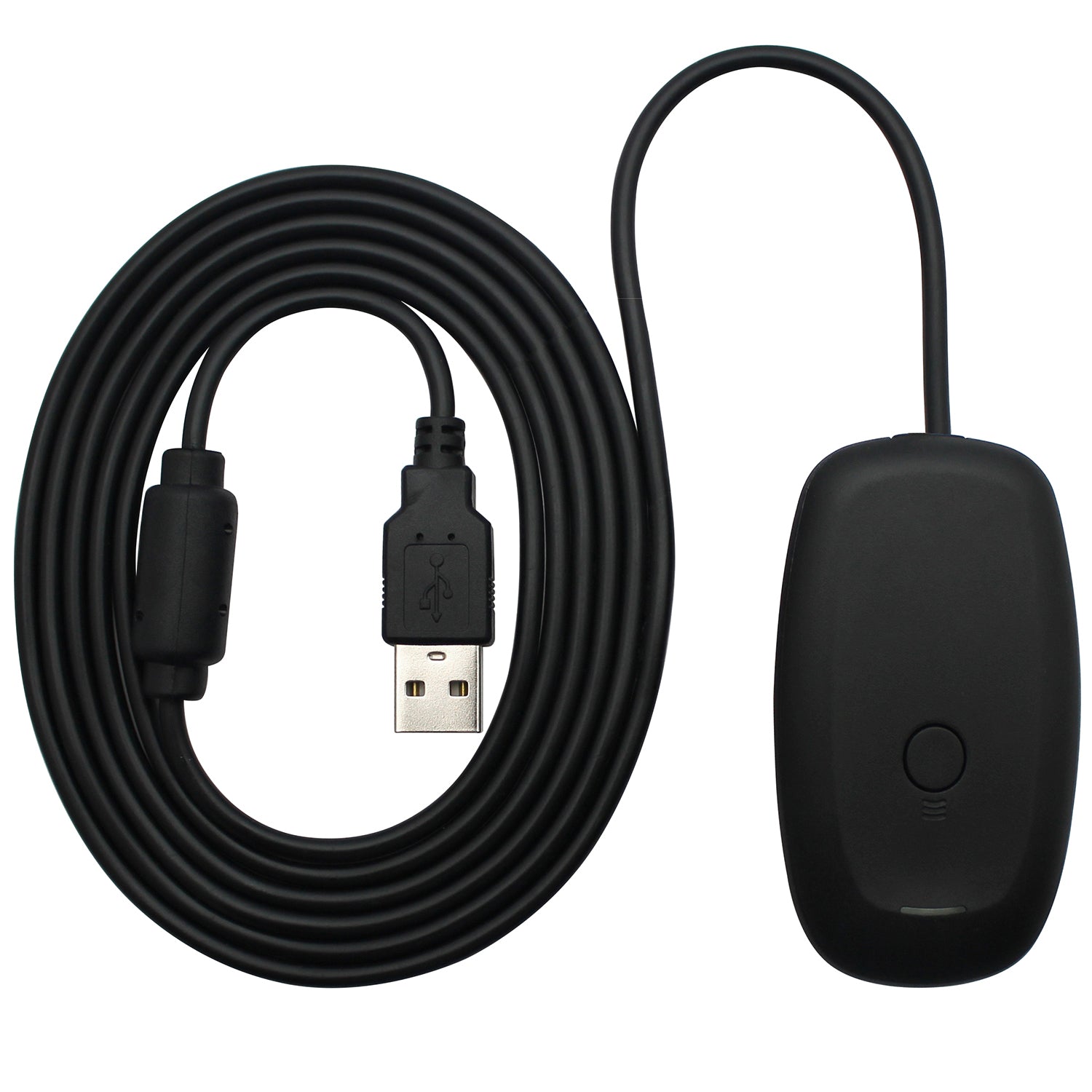
For Windows 7, 8, 8.1, 10
The system already has drivers, follow steps:
–Open 'Device Manager'
–Find the 'Unknown Device' (with a yellow exclamation mark) -> right click -> Update driver -> Browse my computer -> Let me pick from a list of device drivers on my computer
– Select 'Xbox 360 peripheral
– Select 'Xbox 360 receiver driver'
– Choose 'Next' and complete the install
For Windows XP, Vista, 10 (V2004 and later)
Download the driver from:
http://download.ostent.com/files/Xbox360PCReceiver.rar
If you can’t download or install the driver, please write to store@ostent.com to get help.

0 comment